OpenClaw之 QClaw 接入通道
本文将介绍 QClaw 如何接入 Qbot、Telegram bot
所有的命令直接通过 QClaw 聊天发送
Qbot 官方版
- 安装OpenClaw开源社区QQBot插件
openclaw plugins install @tencent-connect/openclaw-qqbot@latest
- 配置绑定当前QQ机器人
openclaw channels add --channel qqbot --token "你的appid:你的appsecret"
- 重启 QClaw
Telegram bot
- 安装 Telegram API Proxy
替换 Telegram API 地址为自定义反向代理,解决中国地区 OpenClaw 无法直接使用 Telegram 接收和回复消息的问题。
openclaw plugins install openclaw-telegram-proxy
配置 openclaw.json 文件
配置openclaw.json 文件:plugins.entries.openclaw-telegram-proxy.config.proxyUrl = "自行替换http://your-proxy:port"
- 配置绑定当前 Telegram bot
复制以下命令,将你的TOKEN和你的UID替换为刚刚获取到的,在服务器运行
# TGBot Token
openclaw config set channels.telegram.botToken "你的TOKEN"
openclaw config set channels.telegram.enabled true
# 白名单用户
openclaw config set channels.telegram.allowFrom '["你的UID"]'
- 重启 QClaw

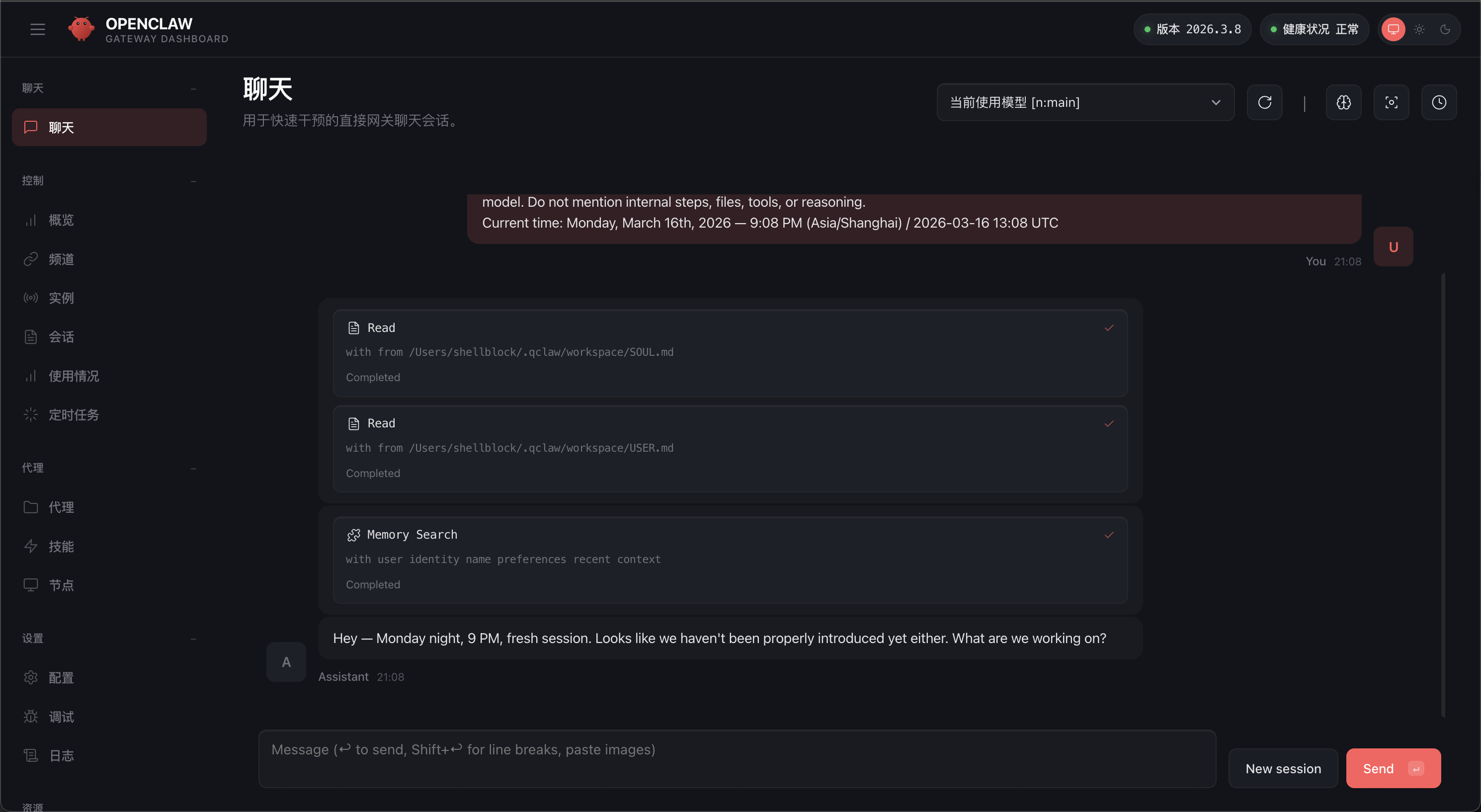
Web控制台
浏览器访问:http://localhost:28789/#token-xxxxx替换为自己的token